Android · Published
 PDFHub
Paperwork. Without the paper.
Read a report. Edit a page. Add your signature. Bring the everyday document jobs to your phone.
Contains ads. Screens show sample documents. Interface details can vary by app version.
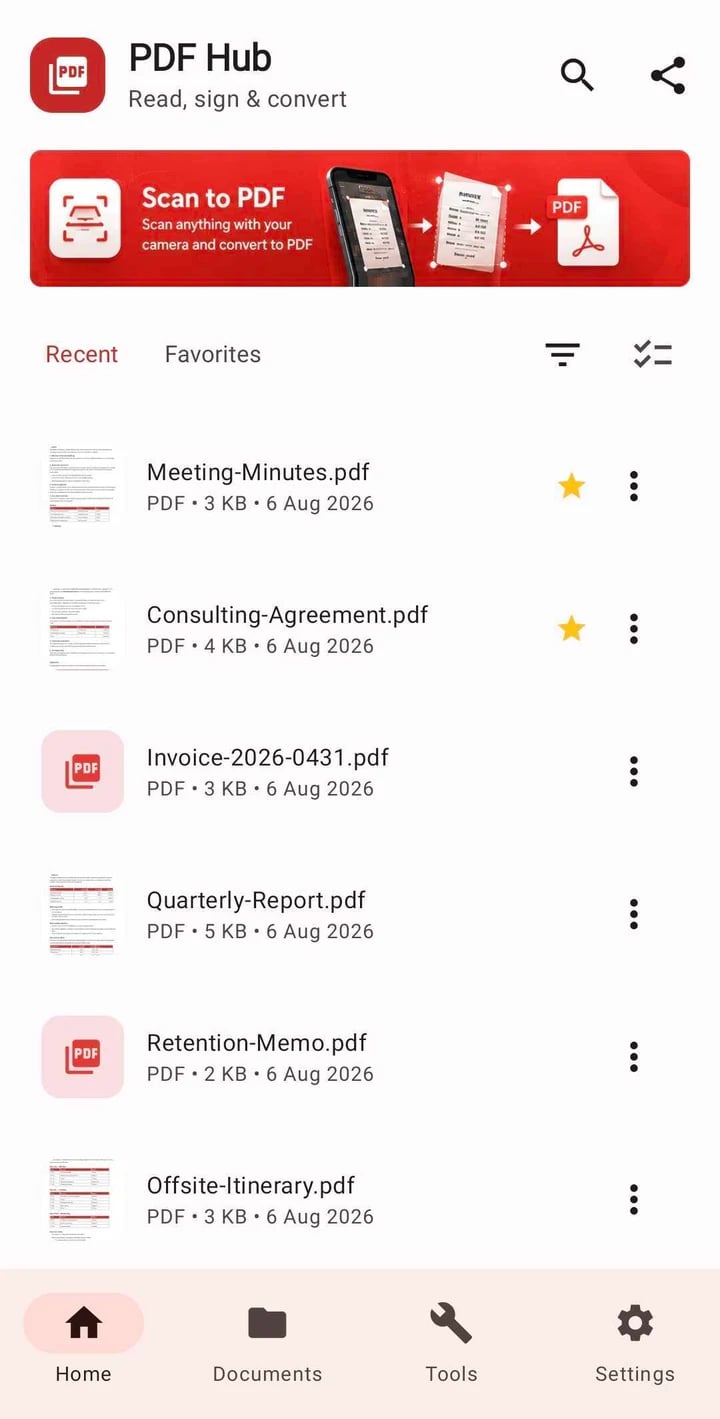
01 / Documents, handled
Read, edit, make a note
Open PDFs, edit text, highlight passages and add annotations without switching between separate apps.
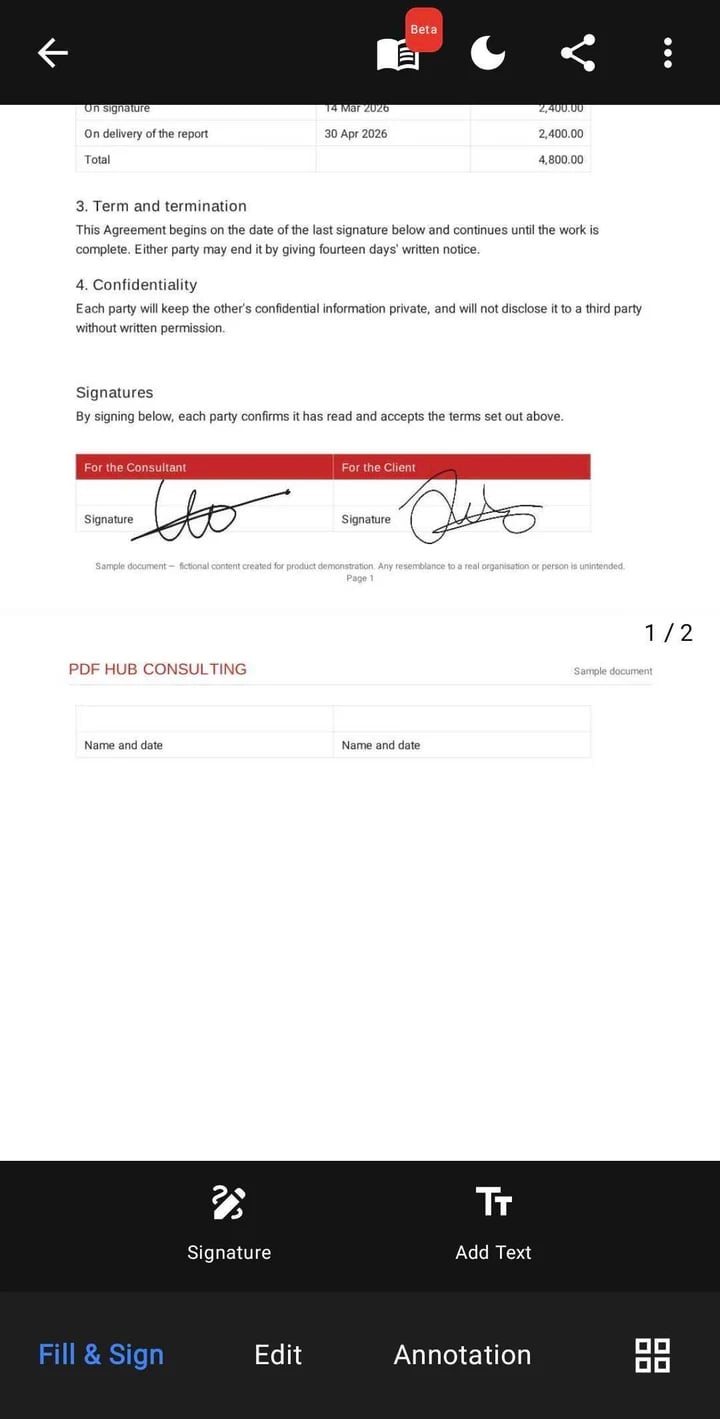
02 / Documents, handled
Sign it on your phone
Draw and place your signature, add text, and save the document when you’re finished.
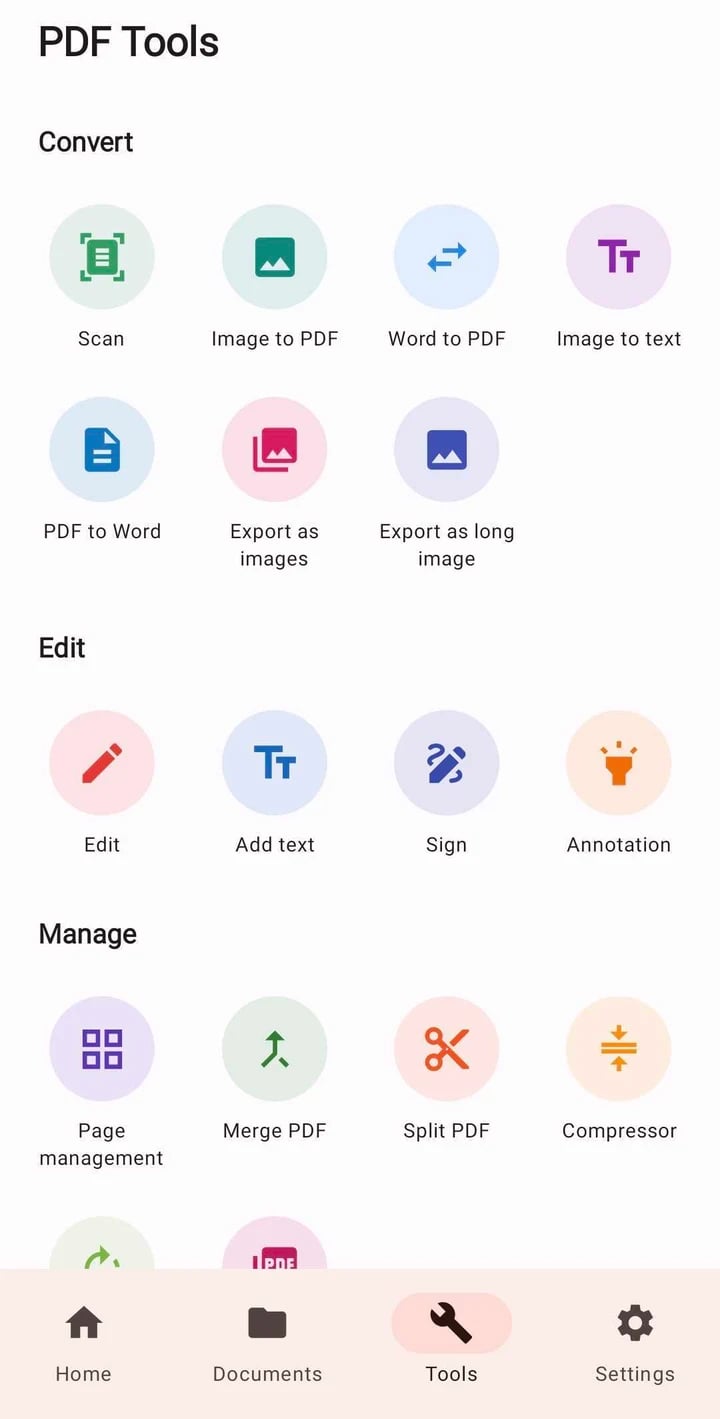
03 / Documents, handled
Put pages in order
Merge, split, rotate and organise PDFs. Scan paper documents and convert supported files on your device.
A closer look / PDFHub
Can I work on documents offline?
Core PDF reading and editing run on your device. Some optional components or language resources may need an initial download. Advertising and other online services still require a connection.
Which document tools are included?
PDFHub includes reading, annotation, text editing, signatures, scanning, OCR, page organisation and supported file conversion. Conversion results depend on the source document and its layout.
Is there an iPhone version?
This page links to the published Android app. We are not announcing an iPhone release here.
How can I report a document issue?
Email the app version, your phone model, the file type and the action that failed. Do not send confidential documents; a non-sensitive sample is useful when you can provide one.