Android · Published
 Universal TV Remote Control
Your TV. Within reach.
A familiar remote, right on your phone. Find your TV, settle in, and take control.
Contains ads. TV and streaming-service names identify compatibility; Bellon Apps is not affiliated with their owners.
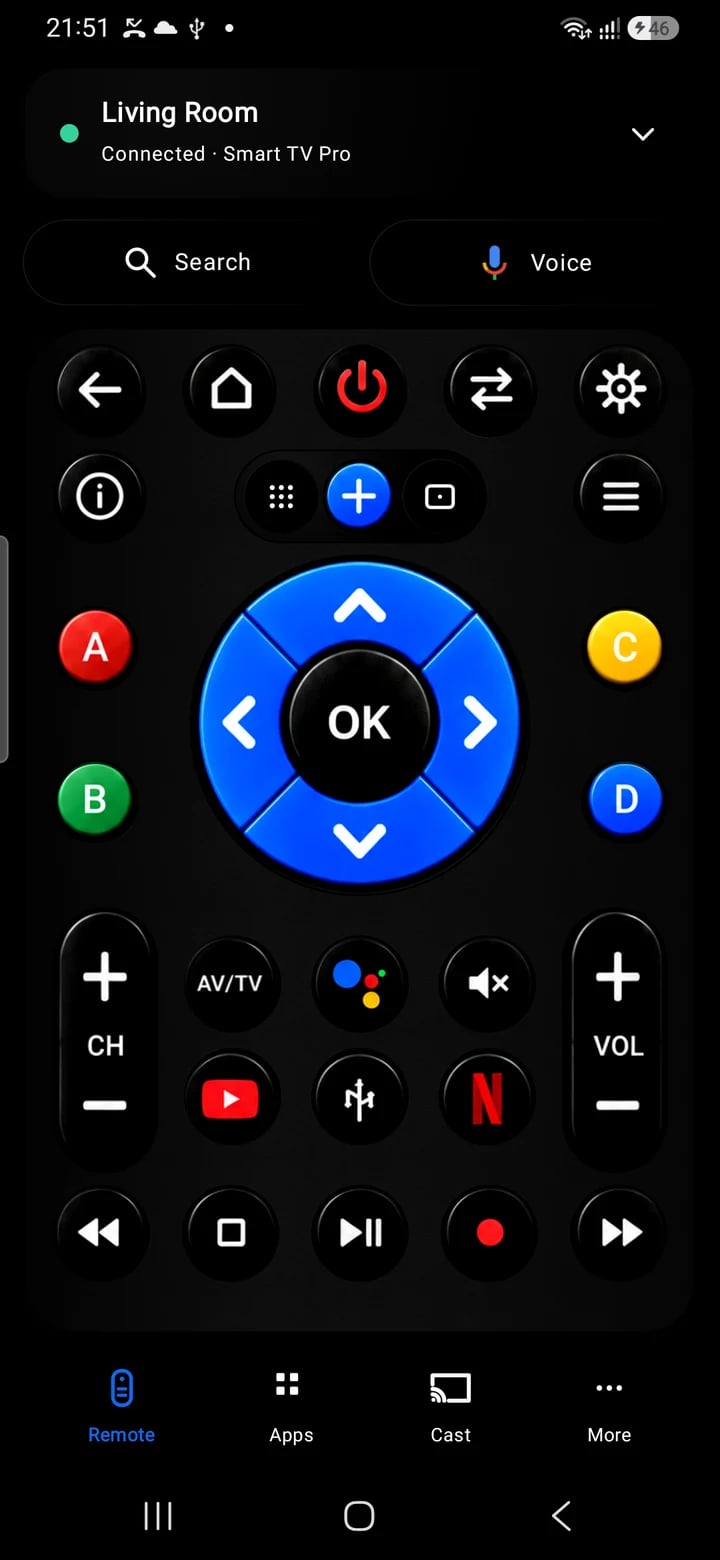
01 / Everyday control
Find your connection
Connect to compatible smart TVs over the same Wi-Fi network, or use infrared on a phone with a built-in IR blaster.
02 / Everyday control
A more familiar feel
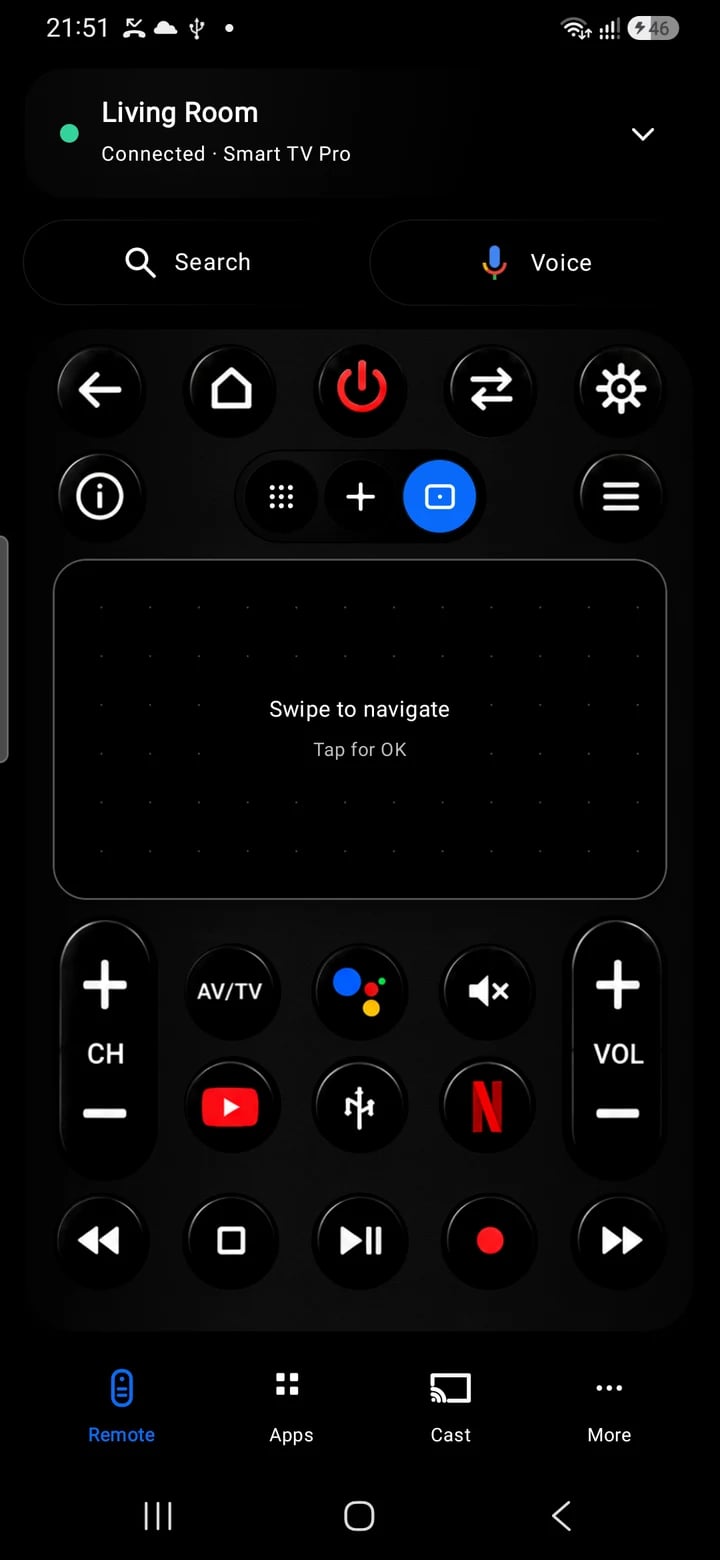
Navigate with a D-pad, change channels with the number pad, or switch to the swipe touchpad.
03 / Everyday control
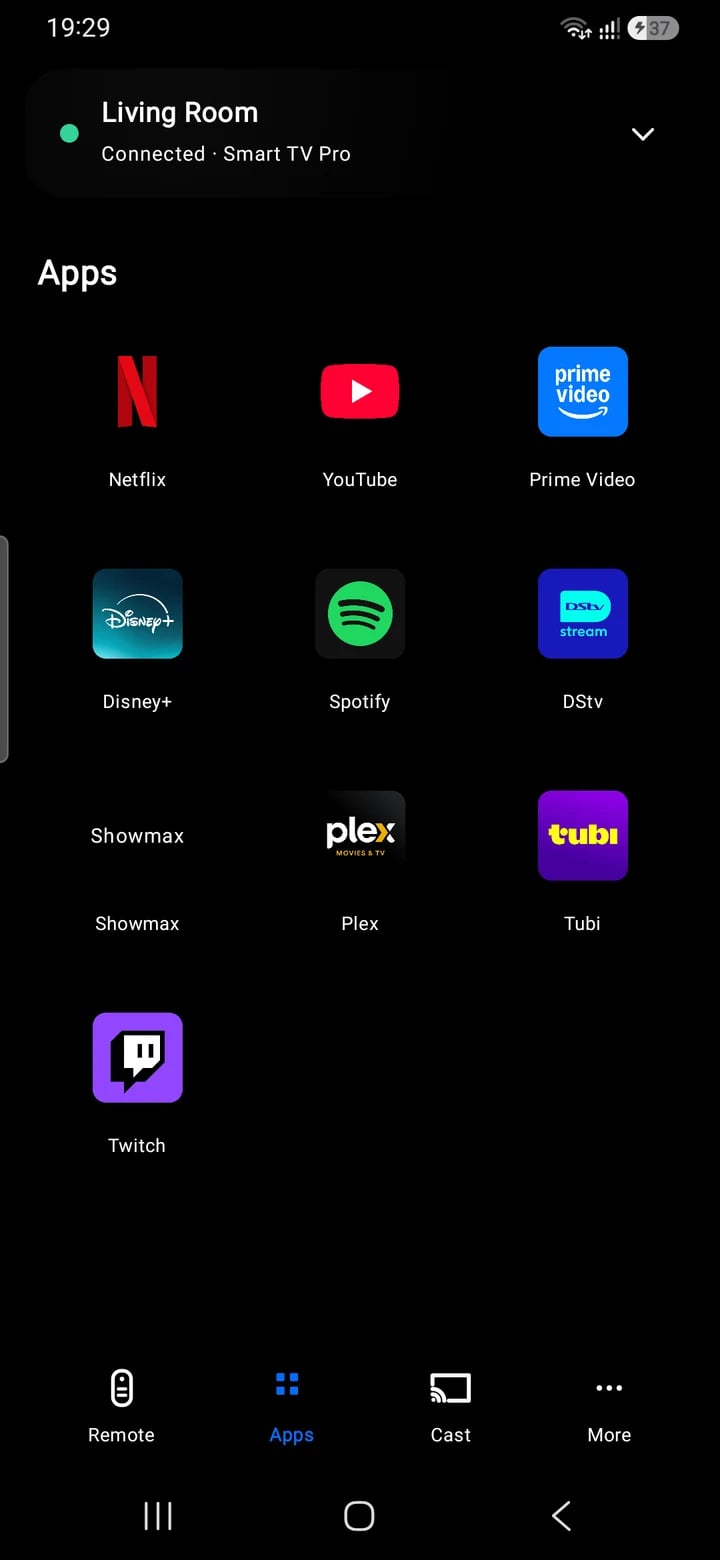
Less typing. More watching.
Use text or voice search and open supported TV apps. Available controls depend on your TV and phone.
A closer look / TV Remote
Will it work with my TV?
The app includes controllers for supported Samsung, LG, Roku, Android TV, Google TV, Sony, Hisense, Vizio and Fire TV devices. Compatibility and individual controls vary by model, firmware and connection method. A brand name alone does not guarantee support.
What do I need to connect?
For Wi-Fi control, connect the phone and TV to the same local network and approve pairing on the TV when asked. Infrared requires a phone with a built-in IR blaster and a matching code set.
Does the app cast or mirror my screen?
The Cast tab opens Android’s system casting or wireless-display controls. Available receivers and mirroring capabilities depend on your phone and TV.
What should I include in a support request?
Send your phone model, TV brand and model, connection method, and what happened. The in-app connection report can provide useful diagnostic details.